
Whether you’re new to QuickBooks or need a refresher, this blog is for you! Today, let’s explore what an open negative balance is in QuickBooks, what it means for you, and the best strategy for staying up-to-date on your commercial real estate business’s financial status.
As a reminder, the information presented in this article should not be considered legal or accounting advice. We always recommend you speak with an accountant or tax lawyer in your state to ensure accuracy.
Understanding the Open Negative Balance
In QuickBooks, an open balance refers to the amount that a customer or vendor owes you or that you owe them. A negative open balance means that you owe the customer or vendor the amount indicated.
For example, if a customer has a negative open balance of -$100, it means that you owe the customer $100. On the other hand, if a vendor has a negative open balance of -$200, it means that the vendor owes you $200.
The open balance is usually displayed on the customer or vendor’s account in the Chart of Accounts, as well as on their individual transaction history and account summary. It is important to keep track of open balances in QuickBooks to ensure that you are accurately tracking your financial transactions, keeping your accounts up to date, and handling payments properly.
Stay Informed by Reconciling Your QuickBooks Account
It is important to regularly balance your QuickBooks account to ensure that your financial records are accurate and up-to-date. This is especially important if you use QuickBooks for important financial tasks such as preparing financial statements or calculating taxes.
By reconciling your account, you can identify and correct any errors or discrepancies in your records. This can save you time and prevent potential problems in the future. Additionally, regularly reconciling your QuickBooks account can help you identify any fraudulent activity or unauthorized transactions. It can also give you a better understanding of your financial position and show you opportunities for improvement and growth.
Managing Real Estate Finances with STRATAFOLIO
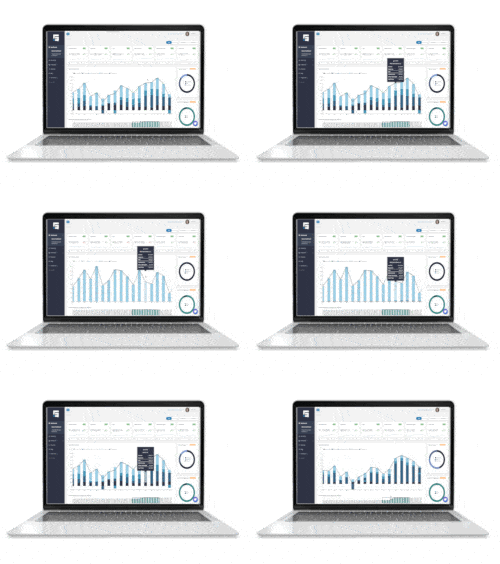
STRATAFOLIO’s total commercial property management solution includes a bi-directional sync with QuickBooks Online, QuickBooks Desktop, and Intuit Enterprise Suite (IES) and combines all your company’s real estate finances in one location. This integrated setup gives you the power to see your entire portfolio from a high-level view to spot major patterns and trends. From there, you can drill down into an individual company or asset.
From one location across your QuickBooks company files, STRATAFOLIO shows you: payroll, operating expenses, overhead expenses, rental income, debt management and more. Learn more about our tools to manage your real estate finances on our website or schedule a free 1:1 demo now.